

Overview
The Manus Slack integration lets you create sessions directly from Slack channels or with the Manus bot.Requirements
- A Slack workspace where you have permission to install apps
- A Manus Account
Installation
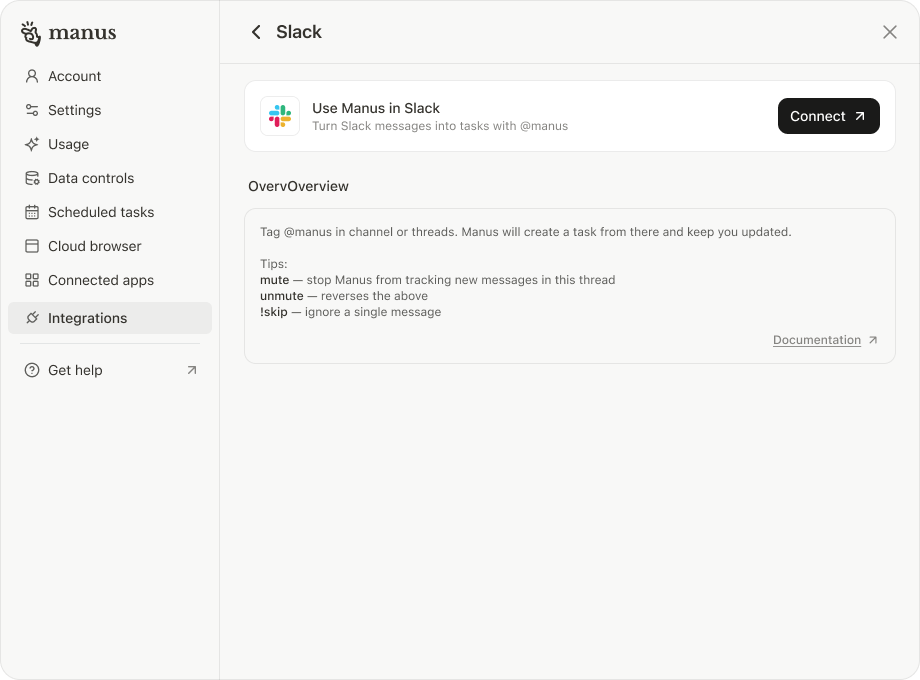
- Go to Manus Settings → Integrations → Slack
- Click Connect
- Install the app and complete setup
Usage
- Tag @manus in threads in channel or send a direct message to the Manus bot
- Use
muteorunmuteto control thread activity