

card_type.
Each section has a screenshot of the same step in the Manus web app. The screenshots are a reference for what the step means to the user. You do not have to copy the design. Render the card from its fields, as described in Render the card.
The examples use sample data in production formats. Some come from test tasks, with long text shortened and translated.
Rules for all Webdev cards:
- Field names,
card_typevalues, and optionconstvalues are stable.title,message, and optiontitletext can change, and they are in the user’s language when the agent writes them. Show them as given. Do not match on them. - Option
constvalues such asfeature_0orstyle_1only identify an option on this card. Do not store them across cards. - For a form card,
card_idis the Webdev operation ID, which starts withwdo_. For a checkpoint card, it ischeckpoint:<version_id>.
Summary
The Deadline column showsexpiry_action, which says what the Addon does at expires_at. With accept_default, the Addon confirms the defaults. With cancel, the Addon cancels the step.
The Webdev Addon sends no other card types.
Manus web cards and their API cards
The Manus web app shows more Webdev cards than the Manus API. This table shows what your client receives for each Manus web card.Project blueprint
card_type: webdev.blueprint
When: After the agent creates a new website or mobile app project and before it builds the project. The agent waits for the answer.
The Manus web app shows the feature plan first, as in this screenshot, and the design direction choices next.
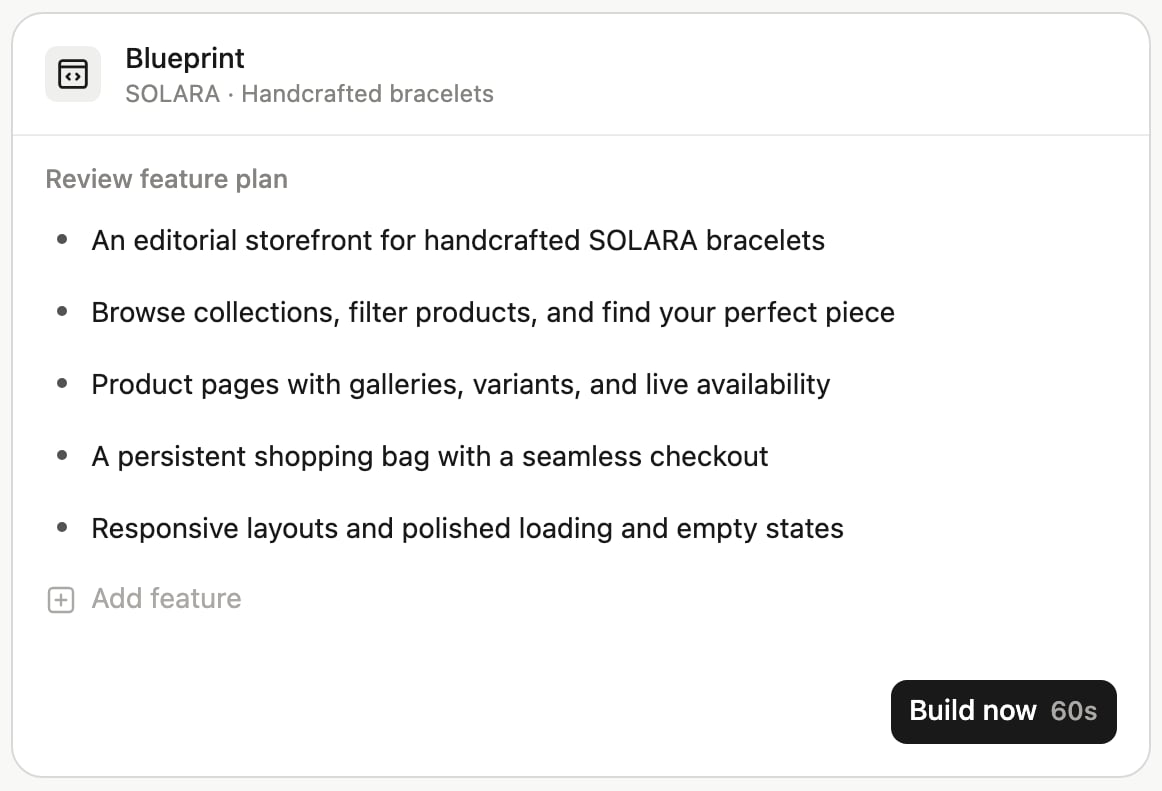
elicitation.requestedSchema.properties has these properties:
Property names are case-sensitive: write
powerUps, not power_ups. Only the option IDs use underscores.
elicitation.message is the project brief. Show it above the fields.
Answers:
Example card:
input:
Secrets
card_type: webdev.secret
When: The project needs secrets, for example an API key, and the user is the project owner. The agent waits for the answer.
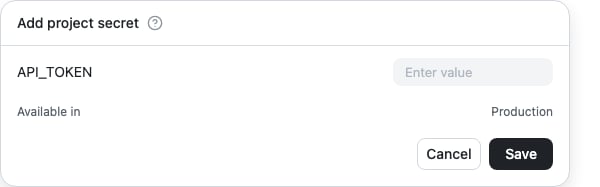
string property per secret. The property name is the environment variable name, for example BAKERY_API_KEY. title is the display name, description is optional, and maxLength is 4096. Secrets in required must have a value. The card has no default values.
The card has sensitive: true. Follow Sensitive cards: use password inputs, and do not log or show the values again.
Answers:
Example card:
input:
Reserved hosting
card_type: webdev.hosting_confirmation
When: The agent proposes to switch the project to Reserved hosting, and the user is the project owner. Reserved hosting keeps the website always on and supports background jobs and persistent connections. The agent waits for the answer.
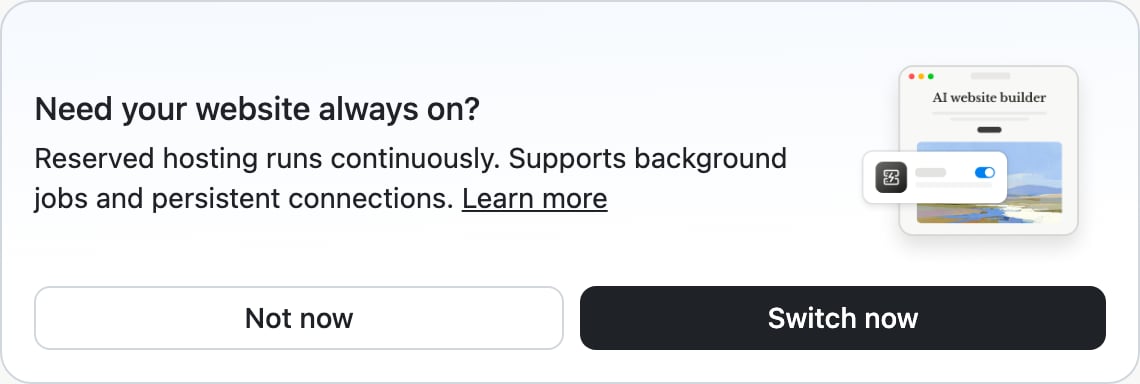
requestedSchema.properties is empty. Render the message with an accept button and a decline button.
Answers:
Example card:
Publish approval
card_type: webdev.publish_confirmation
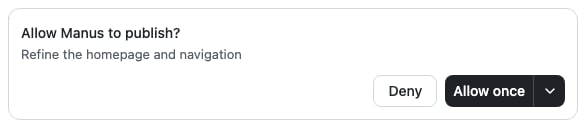
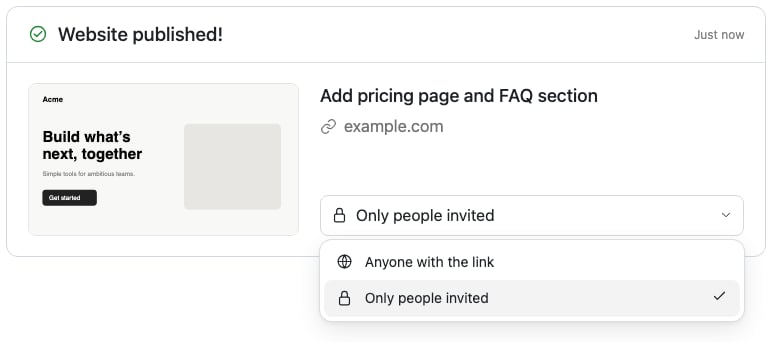
When: The agent wants to publish the latest version of the project, and the project does not let the agent publish without asking. By default, games and mobile apps ask, and websites do not. A website asks only if the user turned off Agent Publish in the project settings. The agent waits for the answer.
For example, the Manus web app shows this approval card for a game:
Answers:
Example card:
input:
Visibility change
card_type: webdev.visibility_confirmation
When: The agent wants to widen who can see the published website, for example from only the owner to everyone. The agent waits for the answer.

elicitation.message says the new and the current visibility. Render the message with an accept button and a decline button.
Answers:
Example card:
Checkpoint
card_type: webdev.checkpoint
When: Manus saved a new version (checkpoint) of the project. The agent does not wait. If the same version is reported again, the card has the same card_id. Show it once.
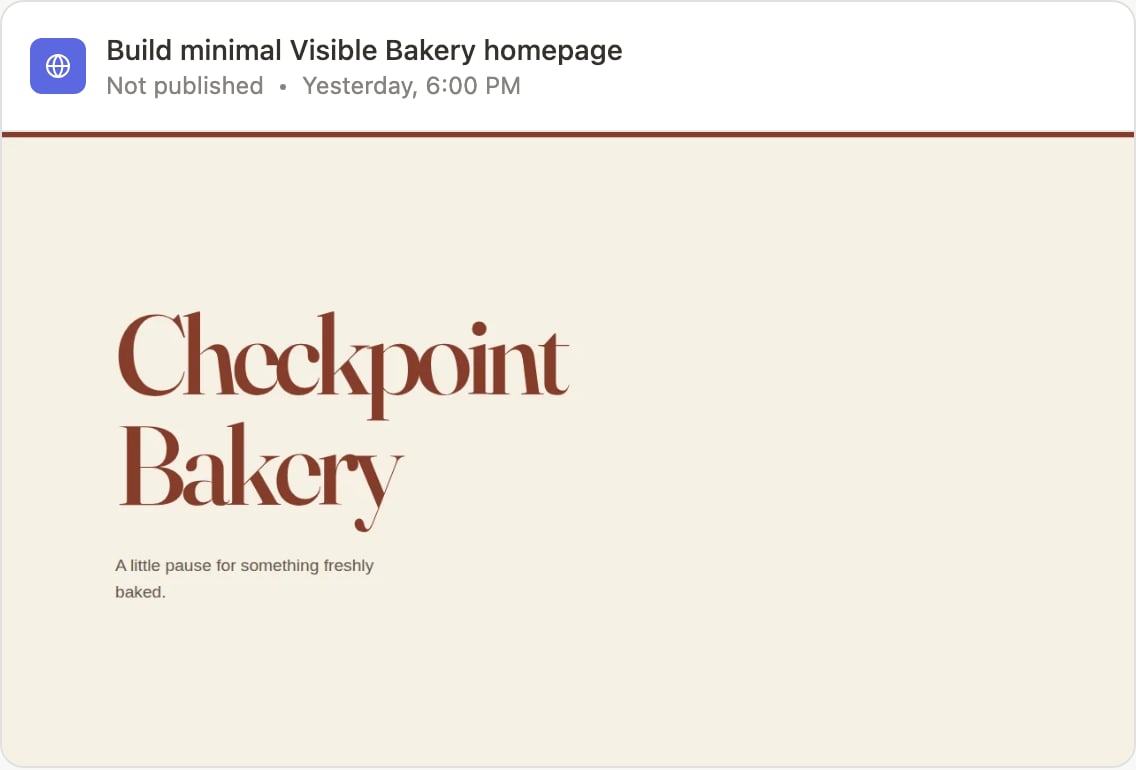
info.message describes the saved version. info.data has these fields:
The card can carry a screenshot of the project at this exact version in
display.media[0], with id: "screenshot", type: "image", an https url, and alt text. The URL is a signed read URL that stays valid for at least 7 days. Copy the image if you need to keep it longer. If no screenshot is ready when the card is sent, the card has no display. The card is complete without it. The Manus web app shows the screenshot as the cover of the card.
Info cards has a full example.
Unsupported step
card_type: webdev.unsupported_step
When: The agent reached a step that is not available through the Manus API. The table above lists these steps. The agent does not wait. It continues without the step.
For example, the Manus web app shows this card to create a GitHub repository. Your client receives webdev.unsupported_step instead:
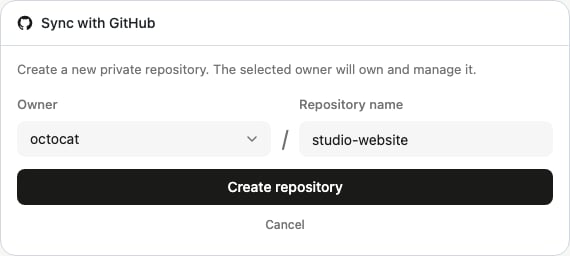
title and info.message. Do not call task.confirmAction for this card.
Example card: